DupInOut Duplicate Finder
Are duplicate files eating up your PC's storage? Not anymore! Fix them securely and free up your disk space with the best duplicate file finder.
Organize your files efficiently with a tool that you can trust.
DupInOut Duplicate Finder is certified as a "100% Clean Download" by prominent software directories.
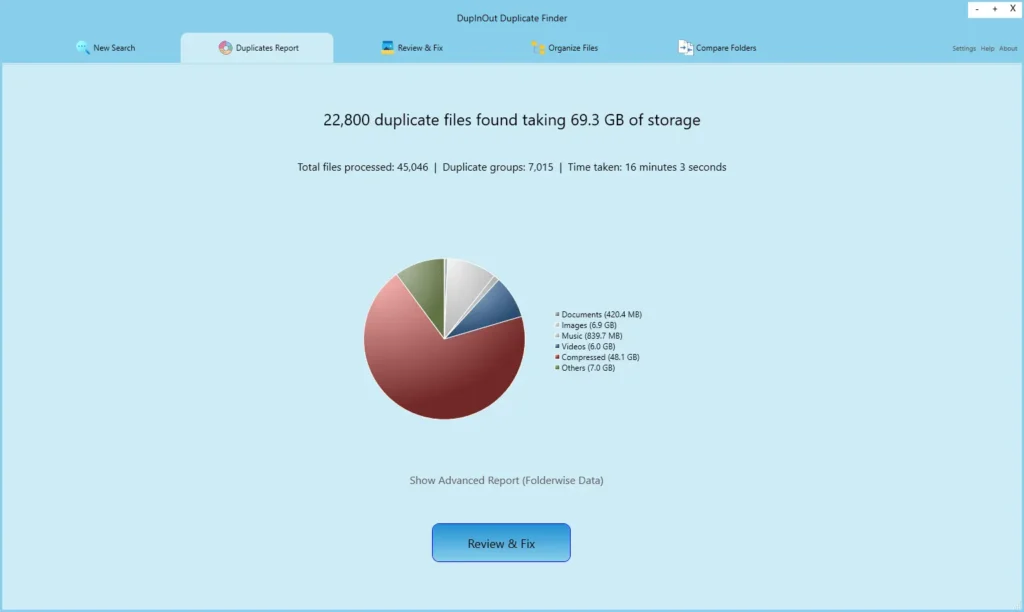

“DupInOut Duplicate Finder — The Savior of Every Overloaded Hard Drive”
Computer Bild, a German magazine
Why Remove Duplicate Files?
There are plenty of benefits of deleting duplicate files. We've covered just the major ones...
Free-up Storage
Free up your storage instantly and make room for files that you truly need.
Search Files Easily
Deleting junk declutters your storage, making it easier to find the files you need.
Reduced Backup Size & Time
With fewer files, you can expect reduced backup size and processing time.
Avoid Confusion
Don't let multiple files with the same name in different folders add up to the confusion.
Data Privacy
Reduce the risk of accidentally exposing your private data to others with identical copies.
Faster Data Migration
Migrating your files from one device to another can become a lot easier & faster.
DupInOut Duplicate Finder — An All-In-One Solution
DupInOut Duplicate Finder is a feature-rich tool that makes cleaning duplicate files and organizing your data much easier.

Find duplicate files
Search for duplicate files with an easy, intuitive and beginner-friendly interface. Provides advanced customization options to meet your unique needs and narrow down the search.
- Compares actual file contents to determine if two files are duplicates
- Find duplicate files, regardless of whether they have same or different names
- Significantly higher accuracy rate (compared to other scan methods)
- Significantly higher accuracy rate (compared to other scan methods)
Find duplicate music
If you're a music lover, we've got you covered! Use the dedicated feature to search for duplicate music files using multiple tags of your choice and declutter your music library.
- Select your preferred tags: Album, Artist, Bitrate, Duration, Genre, Title, Track & Year
- Select duplicate music files with highest/ lowest bit rate, or longest/ shortest duration
- Select largest/ smallest files in each group automatically
- If no music tags exist, auto skips your file or uses File Content criteria

Find duplicate photos
Searching for duplicate photos has never been easier! Find duplicate photos even if they're flipped, rotated, or converted from one format to another.
- Find duplicate photos even if they're flipped (horizontal/ vertical)
- Find similar photos even if they're rotated (up to 180 degrees)
- Find duplicate images even if they're converted from one format to another
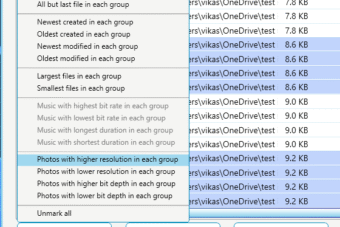
- Select duplicate images with highest/ lowest resolution, or higher/ lower bit depth
Flexible & Customizable
We don't restrict you to limited options. DupInOut Duplicate Finder provides multiple options to fix duplicates, and lets you change the scan engine settings and program behavior.
- Choose your desired file extensions: Create file extensions list or modify the existing ones
- Choose your desired action: Delete, Move to Recycle Bin, Move to Folder, Rename (Add prefix/ Suffix), or Replace with Shortcut
- Automatically select files using predefined options, or use different custom parameters of your choice
- Customize the scan engine from the program settings (for example, set your desired hash algorithm, and change scan exclusion settings)

Compare Folders
Compare the contents of two folders to see the new and changed files. Customize the scan with multiple parameters of your choice, and export the report for your reference.
- Finds same files, different files, and additional files in the Source & Target folder
- Check what's changed: Use this tool to check which files are changed from two folders
- Check the contents of the Source & Target folder to see whether all your files are successfully copied
- Check the integrity of the files you've manually backup

Organize Files
Store your files in a folder structure so that you won't lose them years later. Example:
D:\Photos\2025\Jan\001.jpg,
D:\Photos\2025\Feb\001.jpg
- Use different criteria: Year, Month, Date, Day, File Extension, etc.
- Select an action: Move files or Copy files
- Improve file organization, increase work efficiency, and stay in control of your files
- Reduce the time spent on searching your old files
Get DupInOut Duplicate Finder FREE for 90 days!
We won't ask for your email ID, credit card, or personal information.
Packed with Powerful Features...
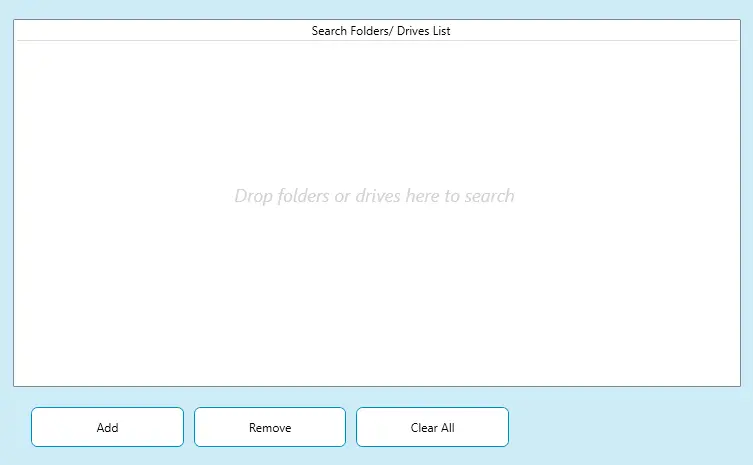
Drag & Drop Interface
Get started in seconds with a simple, intuitive, and straightforward interface.
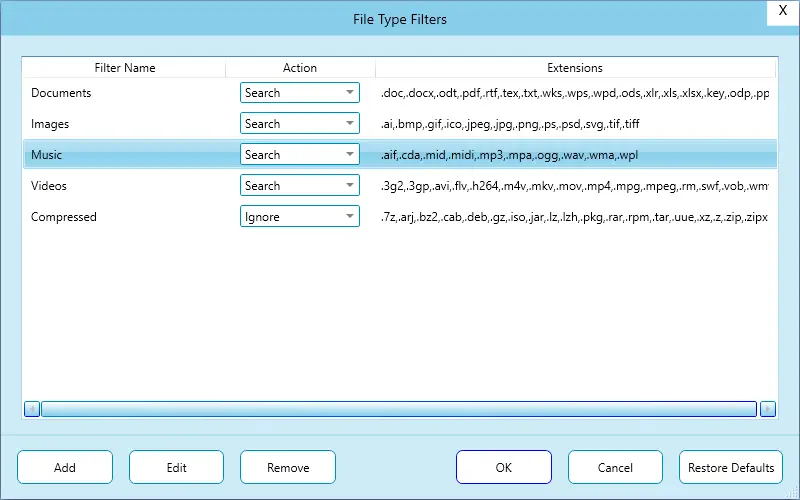
Scan Customization
We don't limit you to a few pre-defined scan filters. You've got the freedom to customize the scan the way you like.
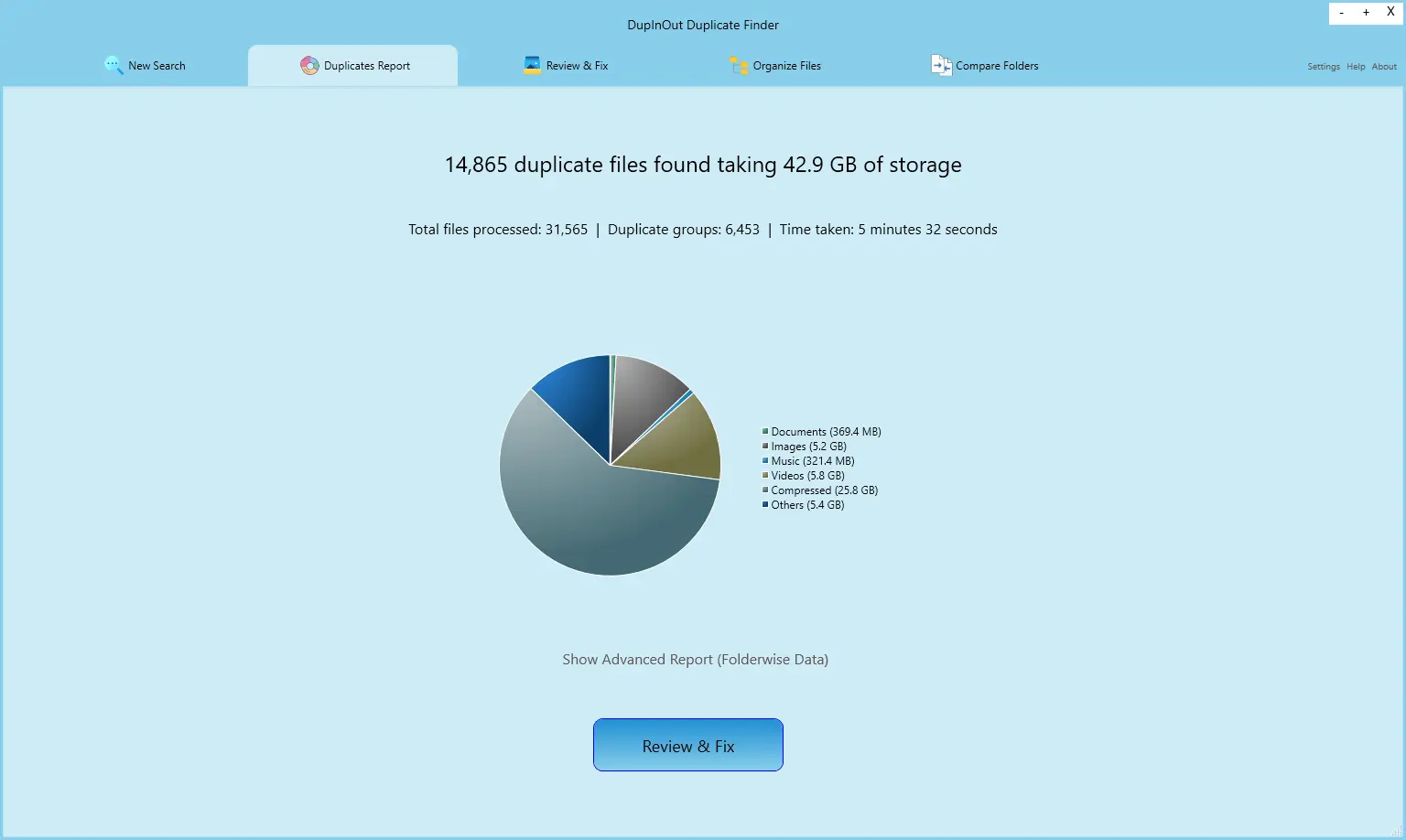
Fast, Reliable & Accurate Scan
Finished adding folders to the Search Folders List? You're good to go now! Just start the duplicate scan and take a cup of coffee!
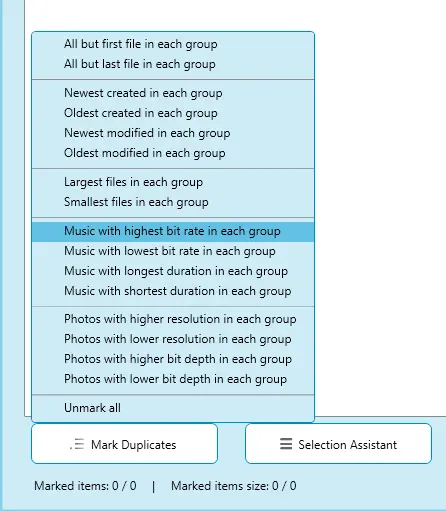
One-Click Selection Assistant
Manually reviewing duplicates can be a hefty job if you've hundreds of thousands of files. Worry not, your favorite tool automates this task.
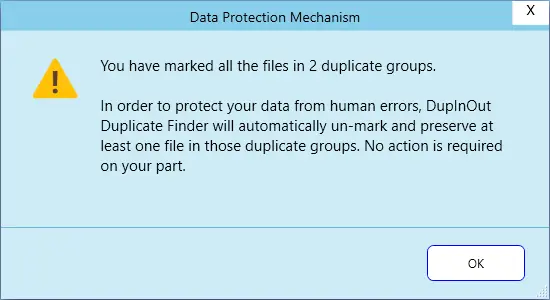
Data Protection Mechanism & Excluded Files List
Your data is not just a piece of information. It’s your digital asset. We have systems in place to protect your data against accidental deletion and unexpected data loss.
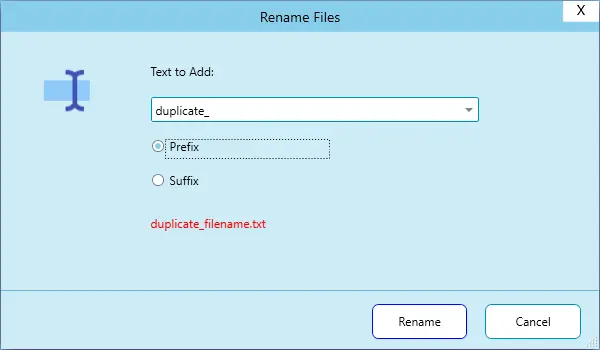
Move, Rename, Create Shortcut, or Delete Duplicate Files
Still worried about deleting duplicate documents? No problem, we have got you covered! Choose one of the following options:
Work Smart; Not Hard!
Save your scan configurations and reload them later to save your time & efforts, and regularly free up disk space.

© Copyright Vikas M. All Rights Reserved.
DupInOut Duplicate Finder is a duly registered copyrighted work in accordance with the provisions of the Indian copyright law and is protected by the copyright law in India and other countries. Any unauthorized use, redistribution of this software and/ or its source code without prior written permission from the owner is strictly prohibited.
Microsoft, Windows are registered trademarks of Microsoft Corporation in the U.S.A. and other countries.